

توضیحات
StoreAccountant is a WordPress/WooCommerce plugin for accounting export workflows.
It creates saved export records for WooCommerce orders, products, and customers, processes exports in the background, and stores generated files with protected download access.
User Guide EN
User Guide DE
Developer Guide
Github
Key features
✅ Advanced order, customer, and product exports
✅ Configurable export formats (CSV, JSON)
✅ Password-protected export downloads
✅ Filters for export periods, order statuses, and customer countries
✅ Configurable columns and field mapping
✅ Support for custom order and customer fields
✅ Tax rate and tax amount fields for order exports
✅ Invoice fields and invoice PDF attachments when a supported invoice plugin is active
✅ Local and password-protected storage
✅ Asynchronous background processing for better performance
How to configure exports
After activation, go to Accounting > Exports in the WordPress admin area.
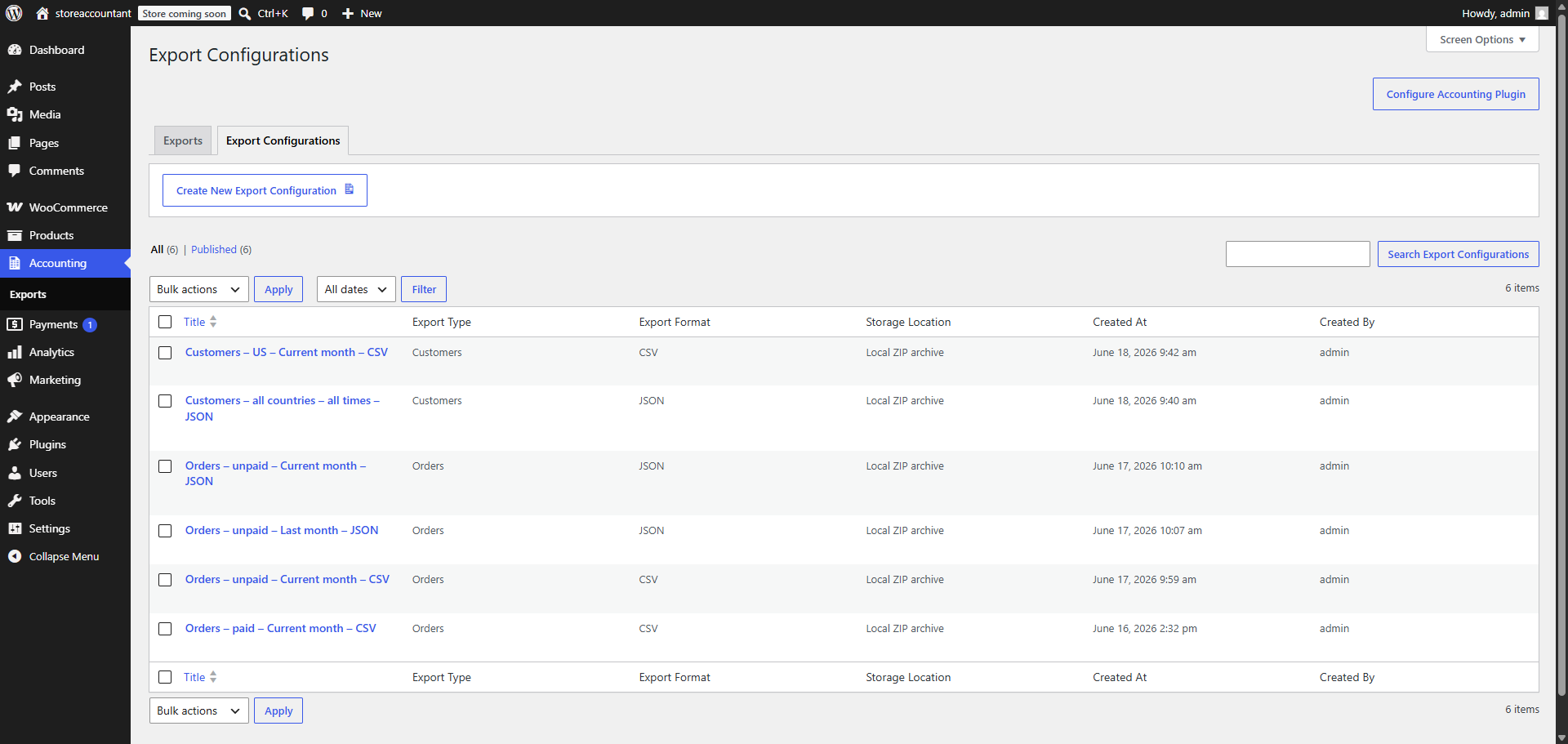
Use Create New Export for a quick one-time export, or create an export configuration that can be reused.
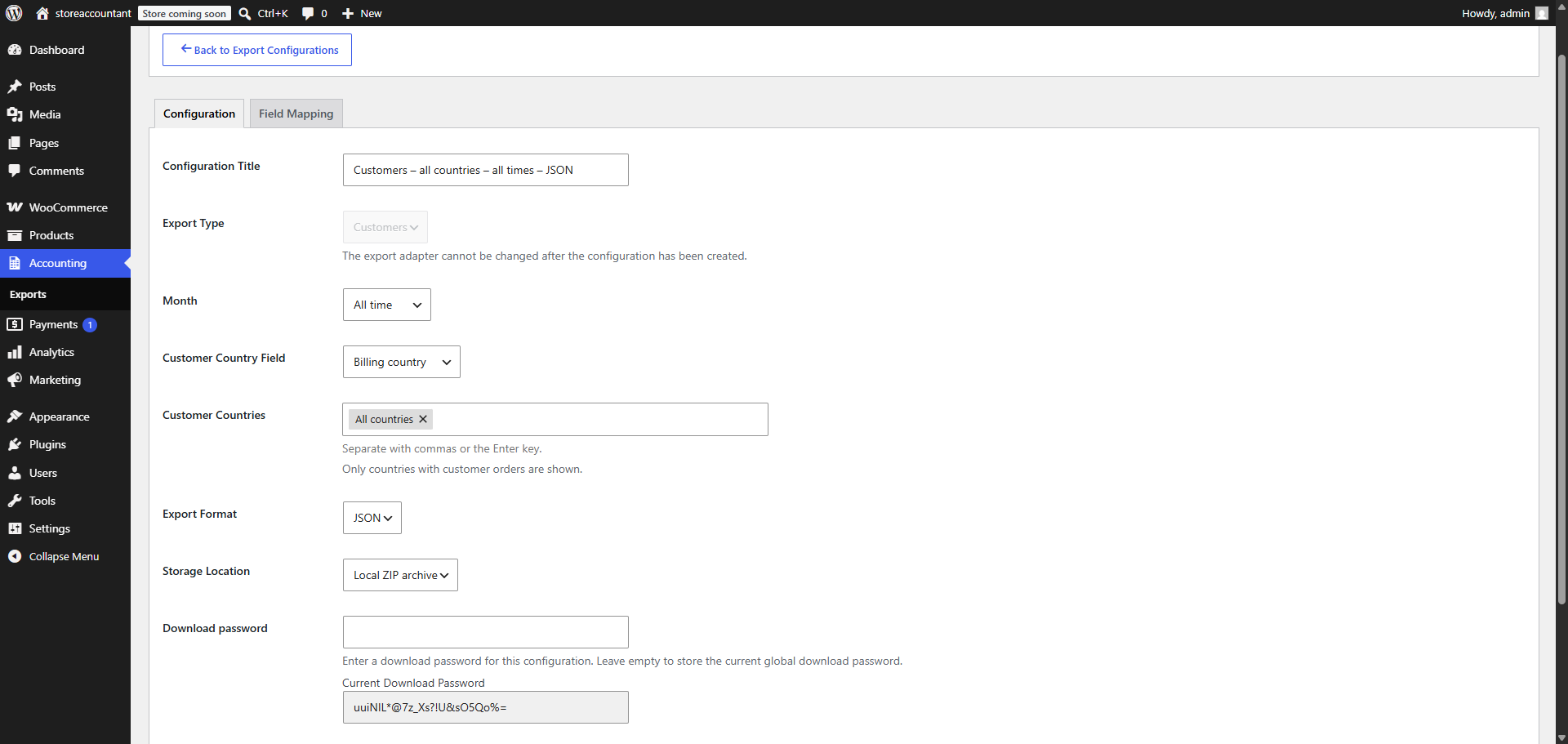
When creating an export, choose the export type, export format, storage location, filters, and field mapping.
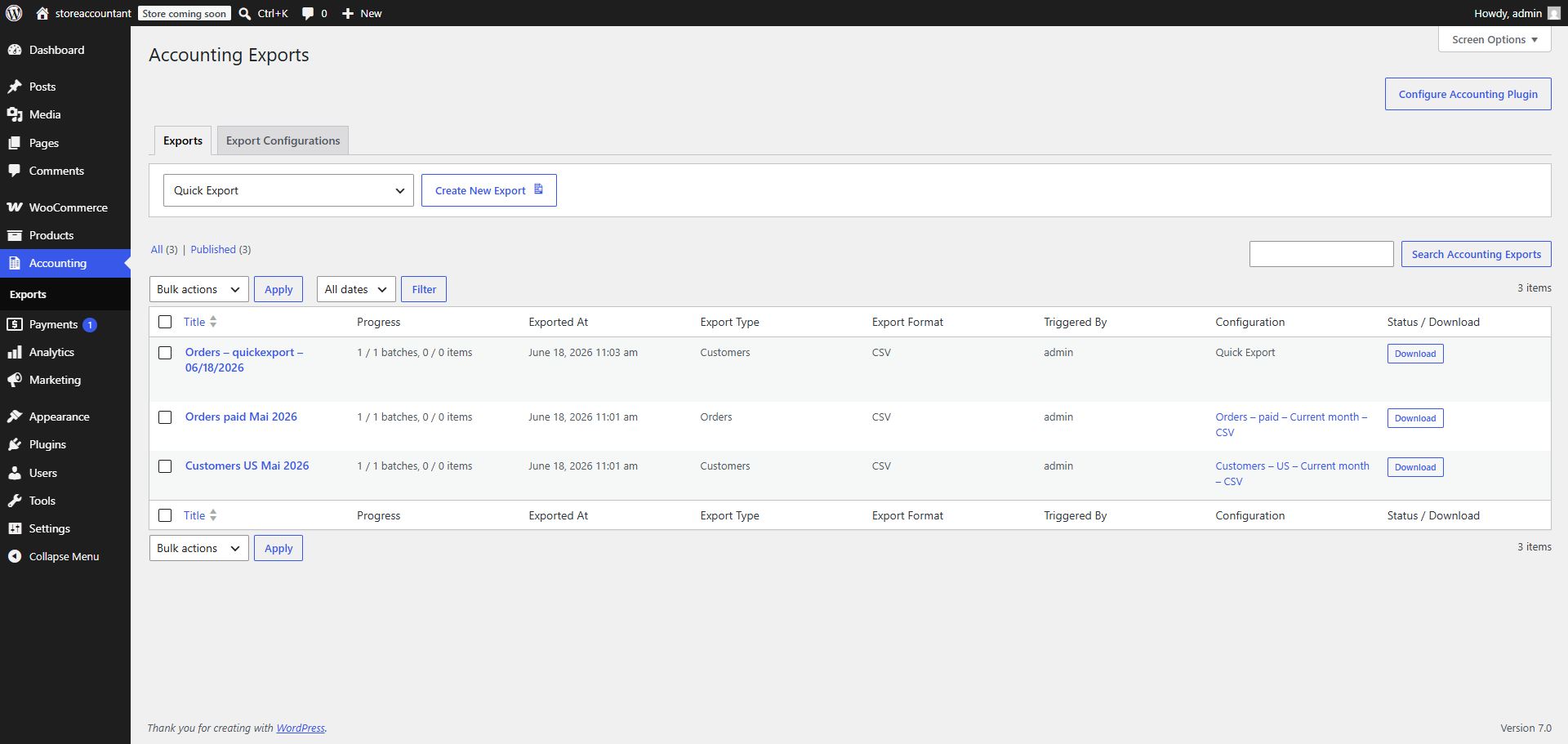
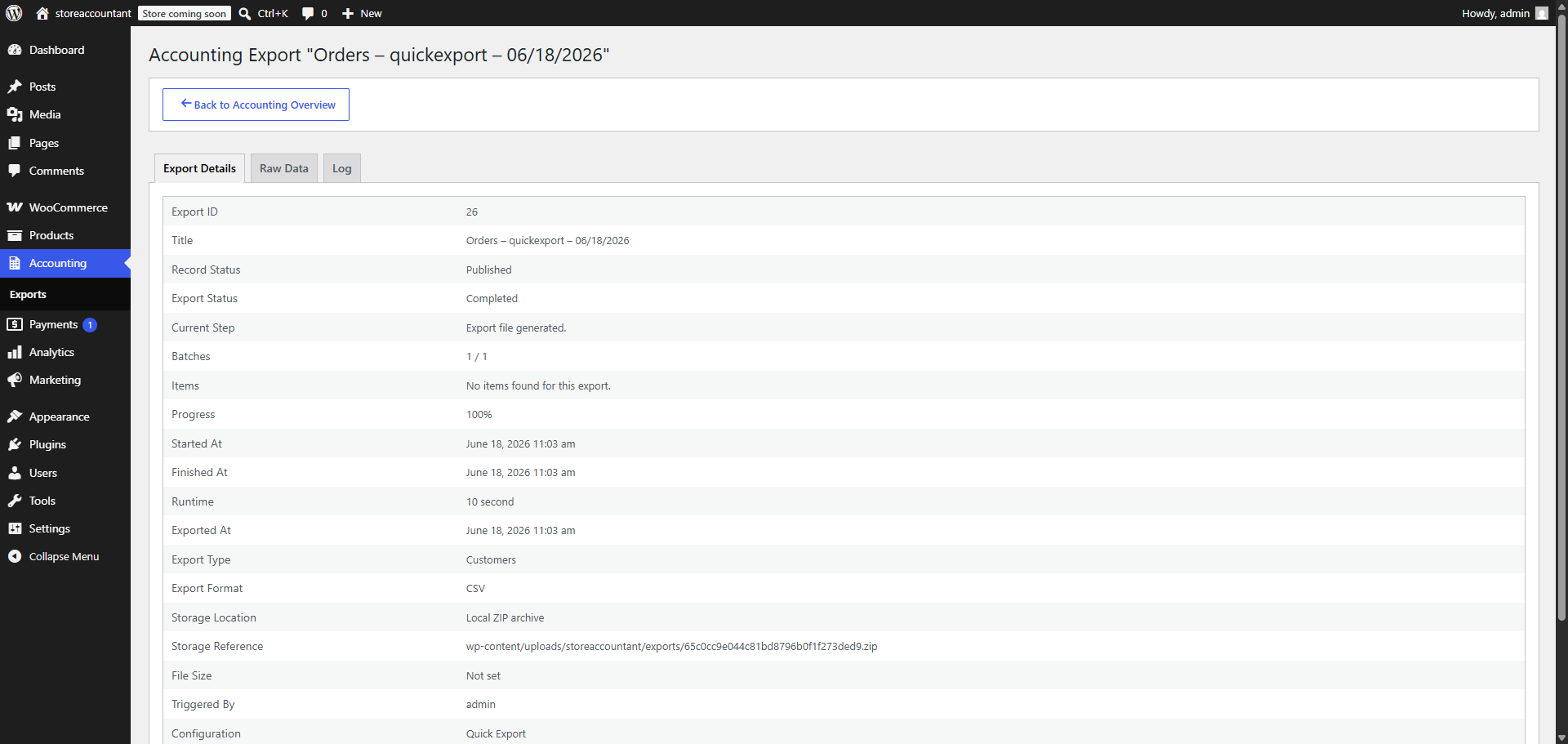
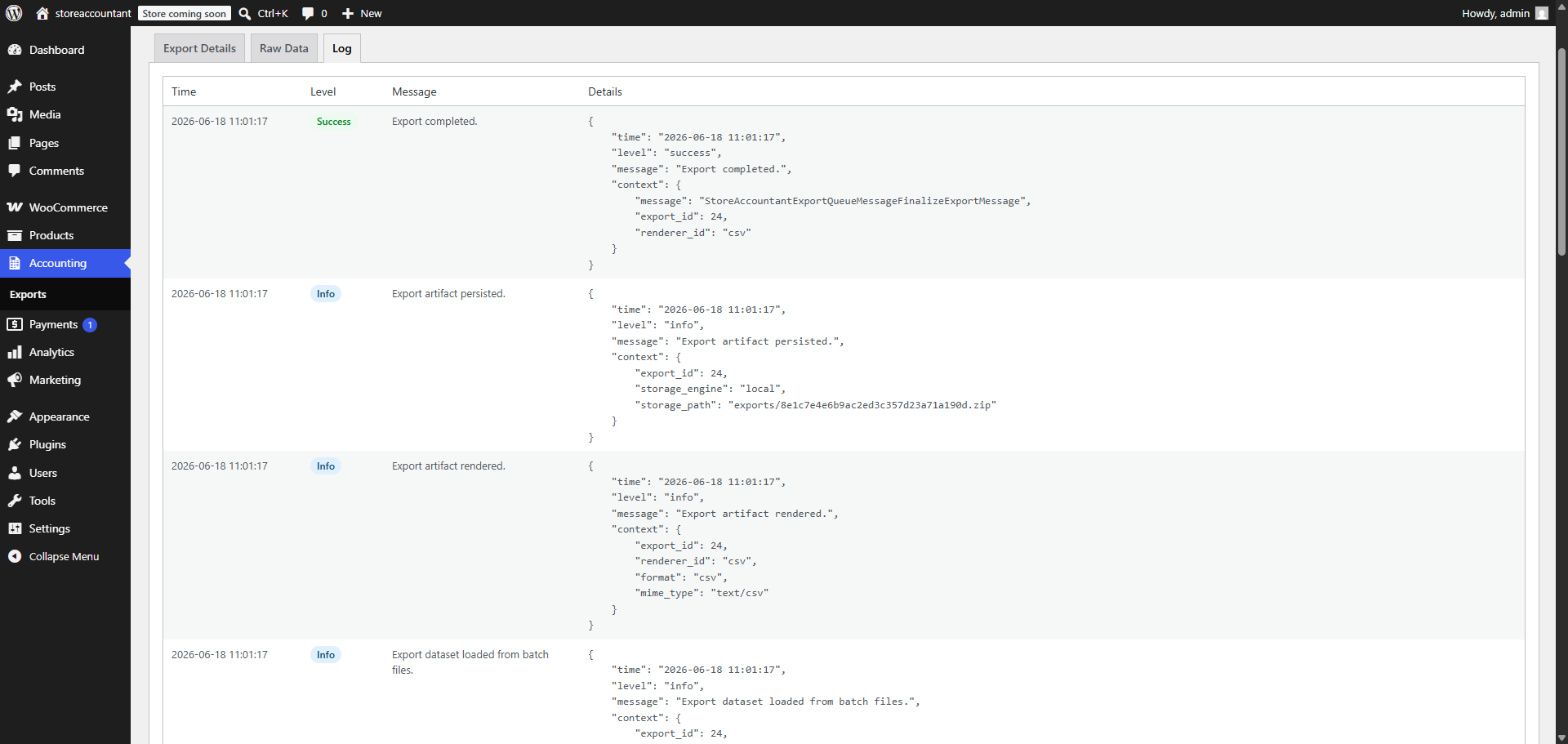
StoreAccountant saves every export as a record in the admin area so you can review its status and download the generated file when processing is complete.
General export features
Field mapping
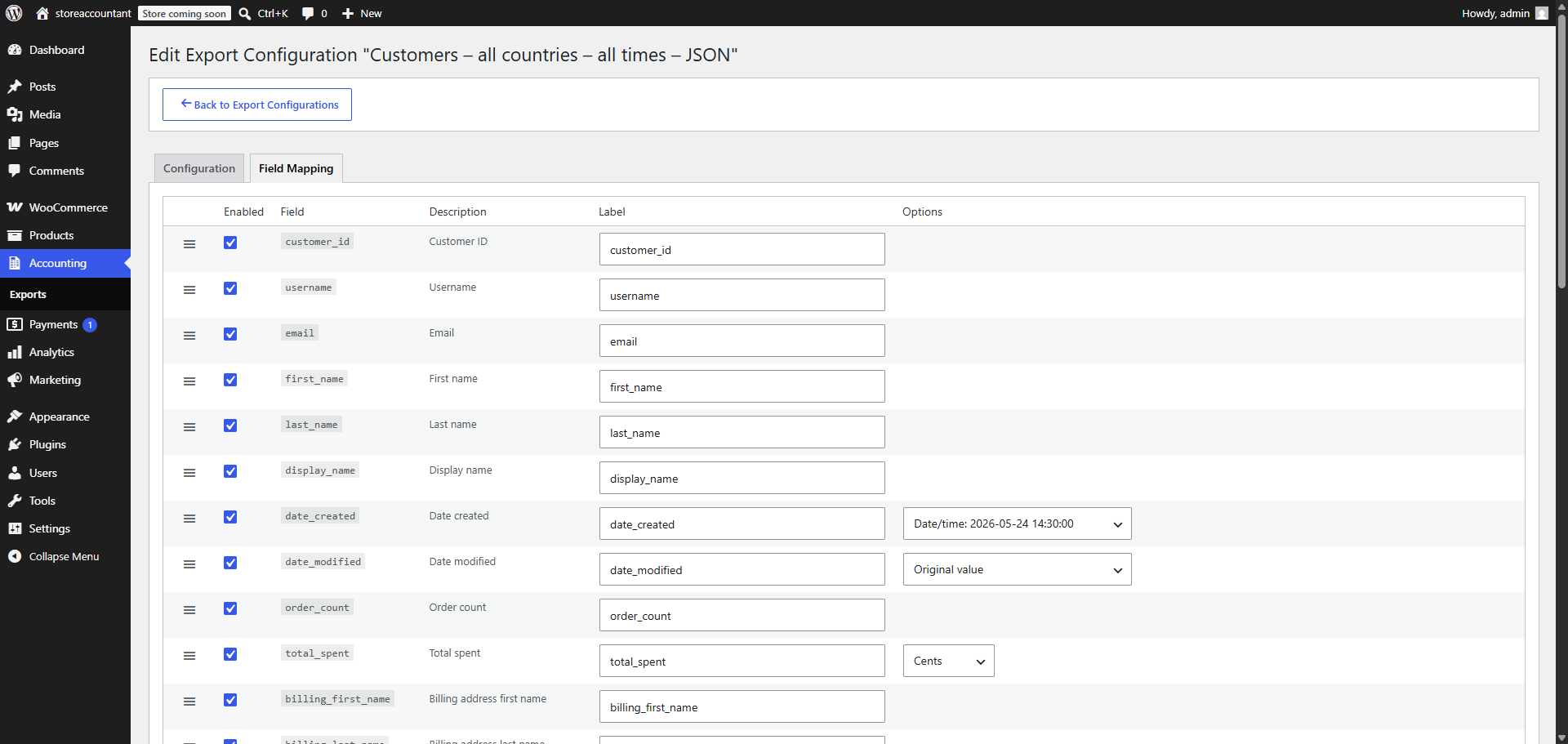
You can map fields from the WooCommerce order to the export. Renaming fields is also possible.
Value formatting is also supported, including date and time formatting, cents or full amounts, and similar export-specific options.
Custom fields can be included in the exported columns.
Order exports
Filters
Filter orders by date period and order status.
Configurable columns
You can choose which columns from an order should be in the export.
Custom fields
Custom fields will also be configurable and taken into account in the export.
Tax fields
Add tax rates and tax amounts to the export in simple or extended mode.
Invoices
Export invoice fields and attach invoice files to the export.
Note: Currently, we only support the
PDF Invoices & Packing Slips for WooCommerce
plugin. Additional invoice plugins will be supported in future updates.
Customer exports
Filters
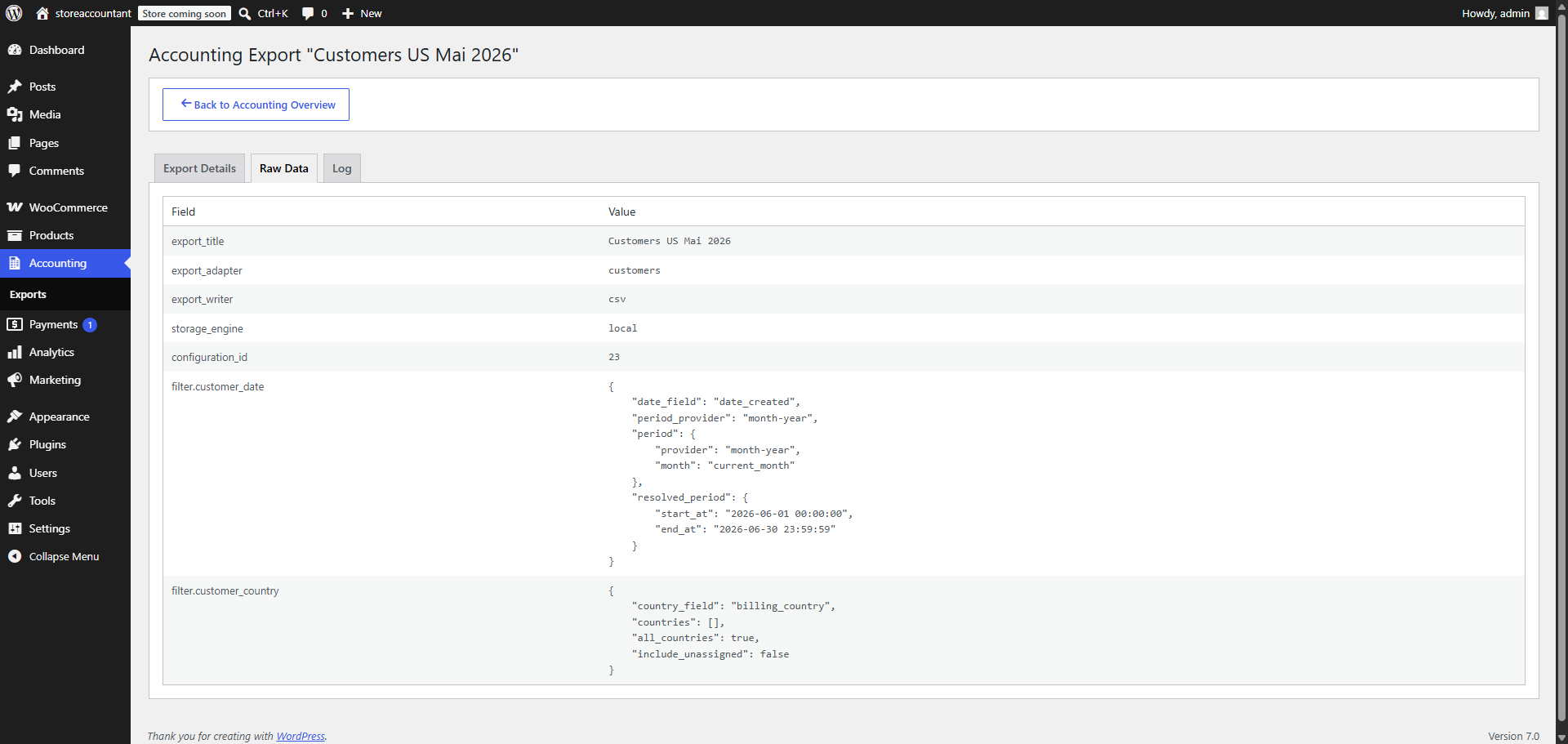
Filter customers by date period and country. Country filters can use billing or shipping countries.
عکسهای صفحه
سوالات متداول
Can I export only specific orders?
Yes. Order exports can be filtered by date range and order status. This allows you to generate exports only for the orders relevant to your accounting workflow.
Can I include custom WooCommerce fields in my exports?
Yes. StoreAccountant supports custom order and customer fields. You can add these fields to your export configuration and include them as columns in the generated export files.
Yes. Export files can be stored with password protection enabled. This helps protect sensitive customer and accounting data when sharing exports with accountants, tax advisors, or other third parties.
Which export formats are supported?
The free version currently supports CSV and JSON exports. Additional export formats may be added in future releases.
Does StoreAccountant support invoice exports?
Yes. StoreAccountant can export invoice-related fields and attach invoice PDF files to exports. Currently, integration is available for the “PDF Invoices & Packing Slips for WooCommerce” plugin, with support for additional invoice plugins planned for future releases.
Automatic installation
Automatic installation is the easiest option as WordPress handles the file transfers itself, and you don’t even need to leave your web browser.
- Go to your WordPress Plugin installation menu (Dashboard > Plugins > Add New)
- In the search field, type “storeaccountant” and press enter.
- “Install Now” and then click “Active”
Manual installation
For Manual installation, you download our product from the WordPress directory uploading it to your web-server via your FTP or CPanel application.
- Download the plugin and unzip it
- Using an FTP program or CPanel upload the unzipped plugin folder to your WordPress installation’s wp-content/plugins/ directory.
- Activate the plugin from the Plugins menu (Dashboard > Plugins > Installed Plugins) within the WordPress admin.
نقد و بررسیها
نقد و بررسیای برای این افزونه یافت نشد.
توسعه دهندگان و همکاران
“StoreAccountant” نرم افزار متن باز است. افراد زیر در این افزونه مشارکت کردهاند.
مشارکت کنندگان
ترجمه “StoreAccountant” به زبان شما.
علاقه مند به توسعه هستید؟
کد را مرور کنید, را بررسی کنید مخزن SVN, یا مشترک شوید گزارش توسعه توسط RSS.
گزارش تغییرات
1.0.0
- Initial release.