

توضیحات
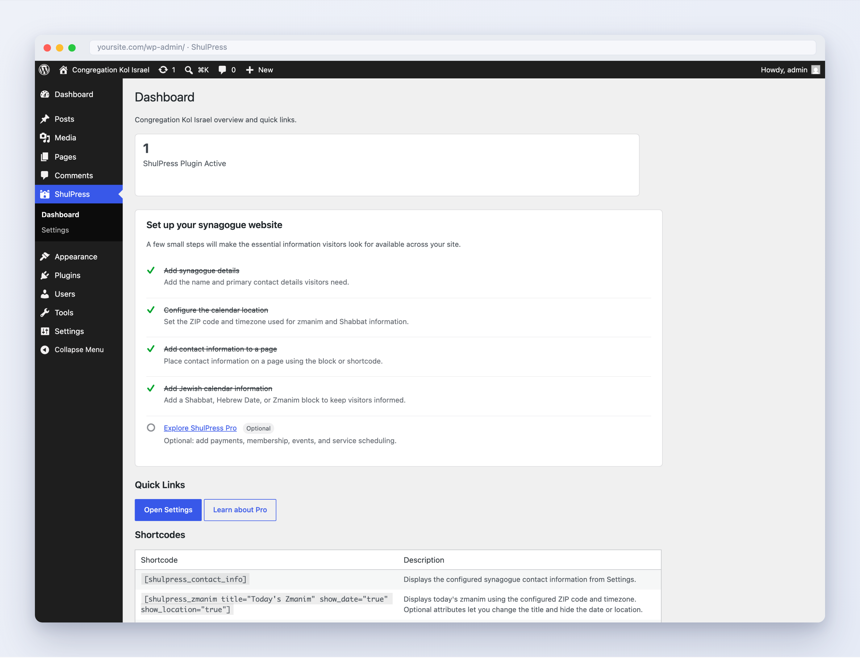
ShulPress turns any WordPress site into a full-featured synagogue website, with no account or subscription required. It brings your congregation’s essentials right into WordPress:
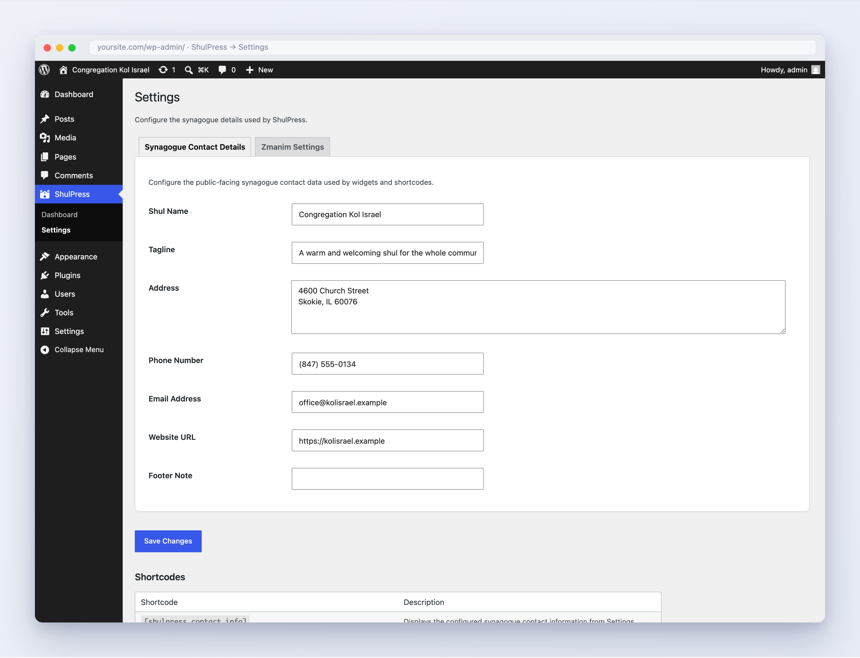
- A single settings screen for your synagogue’s name, address, contact details, and website.
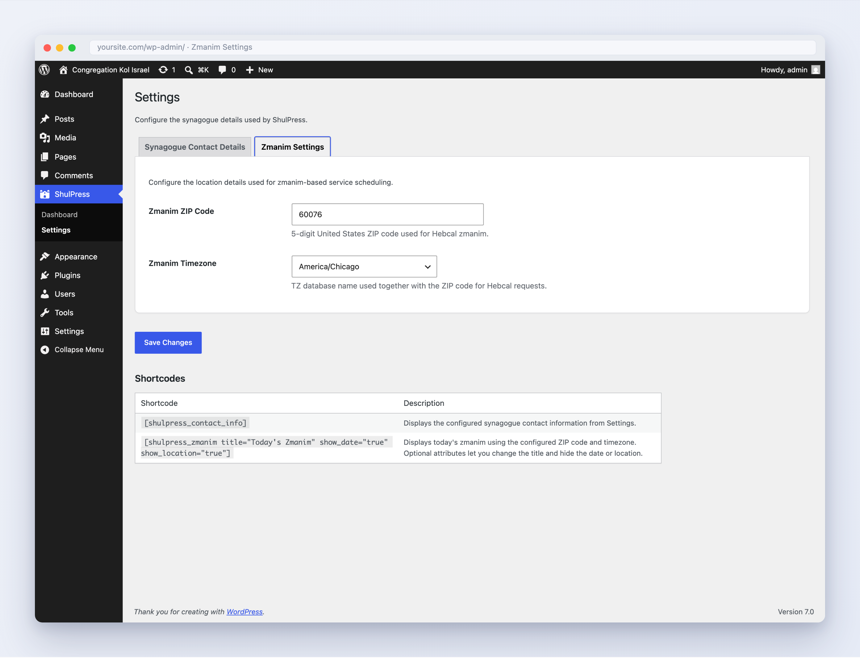
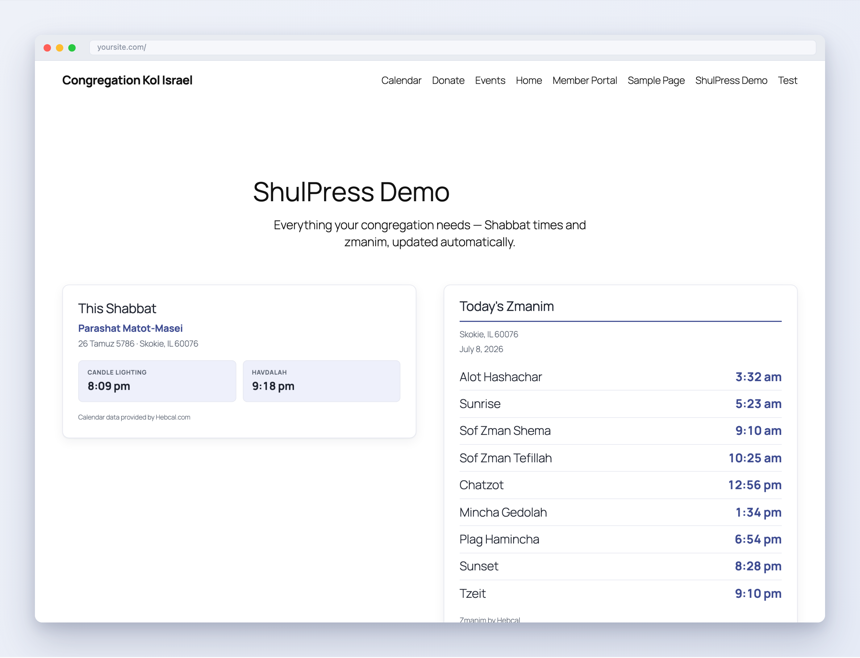
- Live zmanim (halachic times) and Shabbat information for the ZIP code you configure, retrieved from the Hebcal API.
- A Jewish calendar showing the current Hebrew date and the weekly Torah portion.
Everything is available as blocks, shortcodes, and widgets, so it works with both the block editor and classic themes.
Shortcodes
[shulpress_contact_info]— your configured synagogue contact information.[shulpress_zmanim]— today’s zmanim for the configured location. Optional attributes:title,show_date,show_location.- Jewish calendar shortcodes for the Hebrew date, weekly Torah portion, and Shabbat card.
You can see the full list, with attributes, under ShulPress Shortcode Reference in the admin.
ShulPress Pro
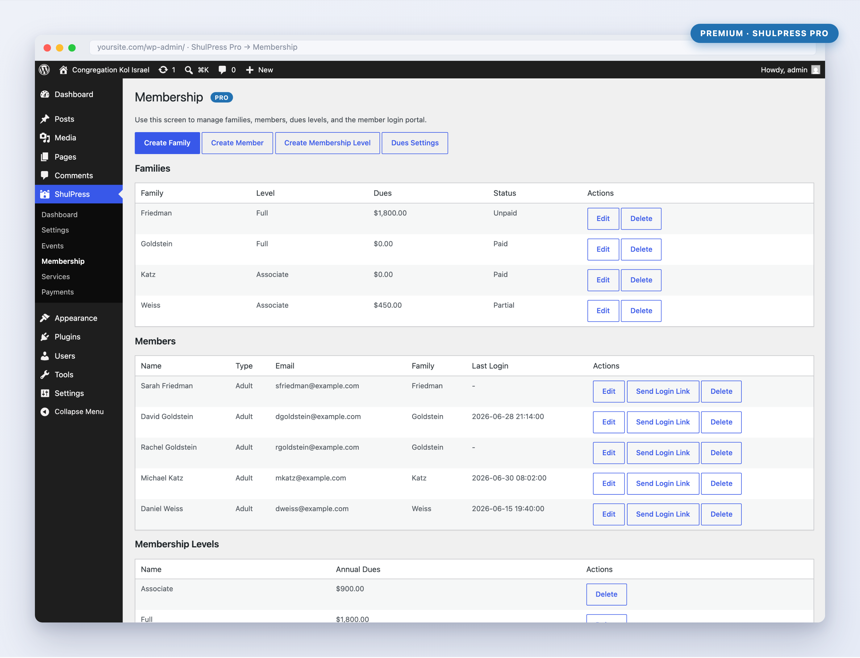
ShulPress Pro adds payments, membership, events, and a services calendar. Pro is a separate plugin and is not required to use anything described above. Learn more at https://shulpress.dev.
External services
This plugin connects to the Hebcal API (https://www.hebcal.com) to retrieve zmanim, Shabbat times, and Jewish calendar data for the location you configure. This is required for the zmanim, Shabbat, and calendar features to function.
When a page containing one of those features is rendered, the plugin sends the ZIP code, timezone, and relevant date to Hebcal. No personal visitor data is sent, and responses are cached. If you do not configure a ZIP code and timezone, no request is made.
Hebcal’s terms of use: https://www.hebcal.com/home/about
Hebcal’s privacy policy: https://www.hebcal.com/home/privacy-policy
عکسهای صفحه
نصب
- Upload the plugin to your site and activate it, or install it from the Plugins screen.
- Go to ShulPress Settings and enter your synagogue’s details, ZIP code, and timezone.
- Add the Contact Info and Zmanim blocks (or the
[shulpress_contact_info]and[shulpress_zmanim]shortcodes) to any page or widget area.
سوالات متداول
-
Where does the zmanim and calendar data come from?
-
From the Hebcal API (https://www.hebcal.com), based on the ZIP code and timezone you set in ShulPress settings. See the “External services” section above for details on what is sent.
-
Do I need ShulPress Pro?
-
No. Everything in the free plugin — settings, contact info, zmanim, and the Jewish calendar — works on its own. Pro is optional and adds payments, membership, events, and a services calendar.
-
That usually means the Hebcal request failed or timed out, or the ZIP code and timezone have not been configured yet. Confirm both are set under ShulPress Settings and try again.
نقد و بررسیها
نقد و بررسیای برای این افزونه یافت نشد.
توسعه دهندگان و همکاران

ترجمه “ShulPress” به زبان شما.
علاقه مند به توسعه هستید؟
کد را مرور کنید, را بررسی کنید مخزن SVN, یا مشترک شوید گزارش توسعه توسط RSS.
گزارش تغییرات
0.1.0
- Initial WordPress.org release: synagogue settings, contact info, zmanim, and Jewish calendar via blocks, shortcodes, and widgets.