
توضیحات
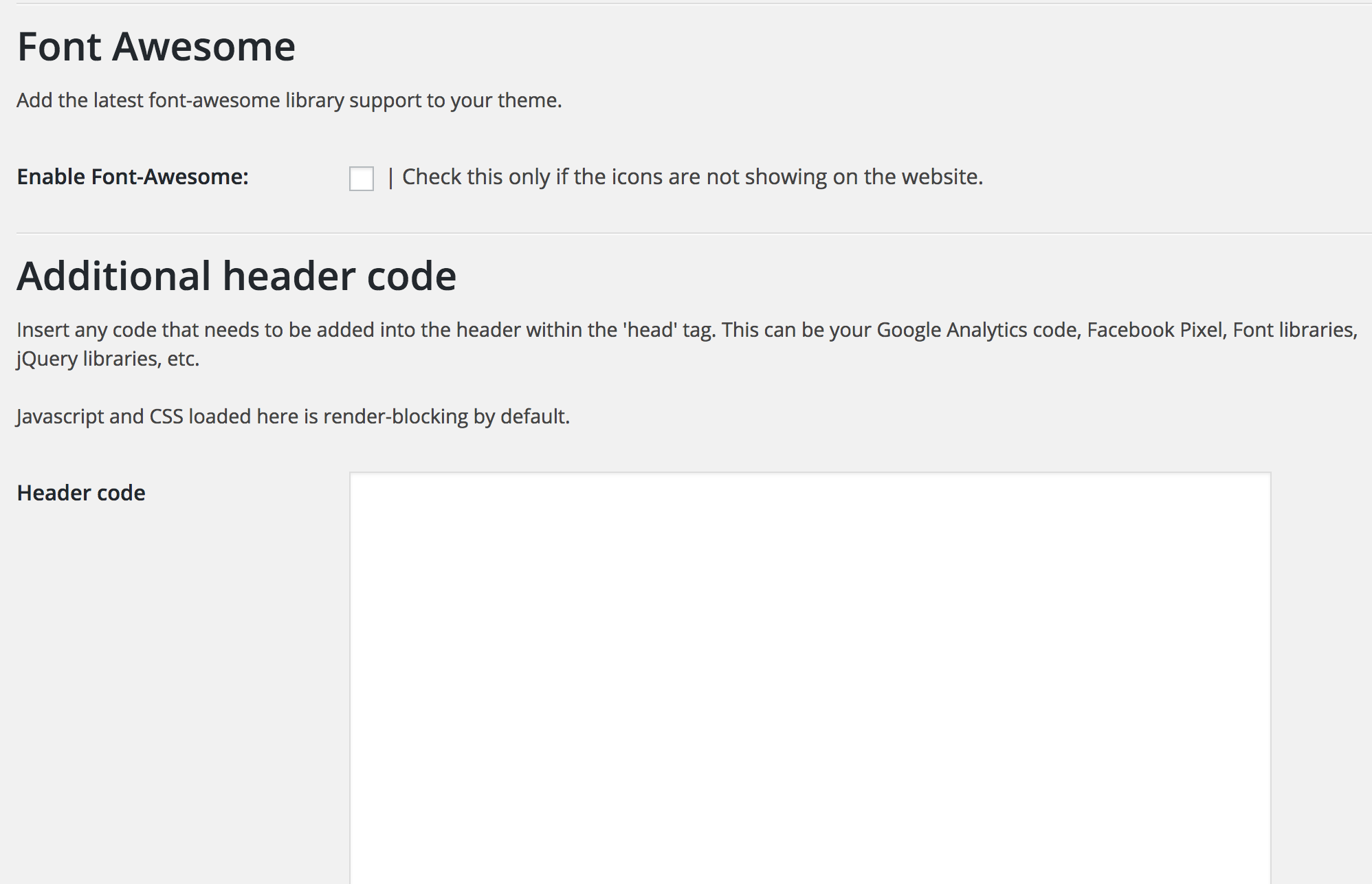
The core feature of the plugin is the high-conversion mobile CTA that is guaranteed to increase your click-to-call and contact rates since it is well designed and customizable. The plugin also allows you to inject any code you need into your headers (like fb pixel and Google Analytics) and allows you to customize the colors and enable icons on the CTA.
عکسهای صفحه


نصب
This section describes how to install the plugin and get it working.
- Upload the plugin folder to the
/wp-content/plugins/directory - Activate the plugin through the ‘Plugins’ menu in WordPress
- Access the ‘Ascend Marketing’ menu in your dashboard to use the plugin.
سوالات متداول
- Can I change the colors of the CTA?
-
Yes, you can choose to change the background color, text color, and the background of the buttons.
- Can I determine what width the CTA appears at?
-
Yes, you can enter a value in pixels that will be the width below which the CTA appears
نقد و بررسیها
نقد و بررسیای برای این افزونه یافت نشد.
توسعه دهندگان و همکاران
“Ascend Marketing Tools” نرم افزار متن باز است. افراد زیر در این افزونه مشارکت کردهاند.
مشارکت کنندگان

ترجمه “Ascend Marketing Tools” به زبان شما.
علاقه مند به توسعه هستید؟
کد را مرور کنید, را بررسی کنید مخزن SVN, یا مشترک شوید گزارش توسعه توسط RSS.
گزارش تغییرات
2.0
Tested with latest WordPress.